
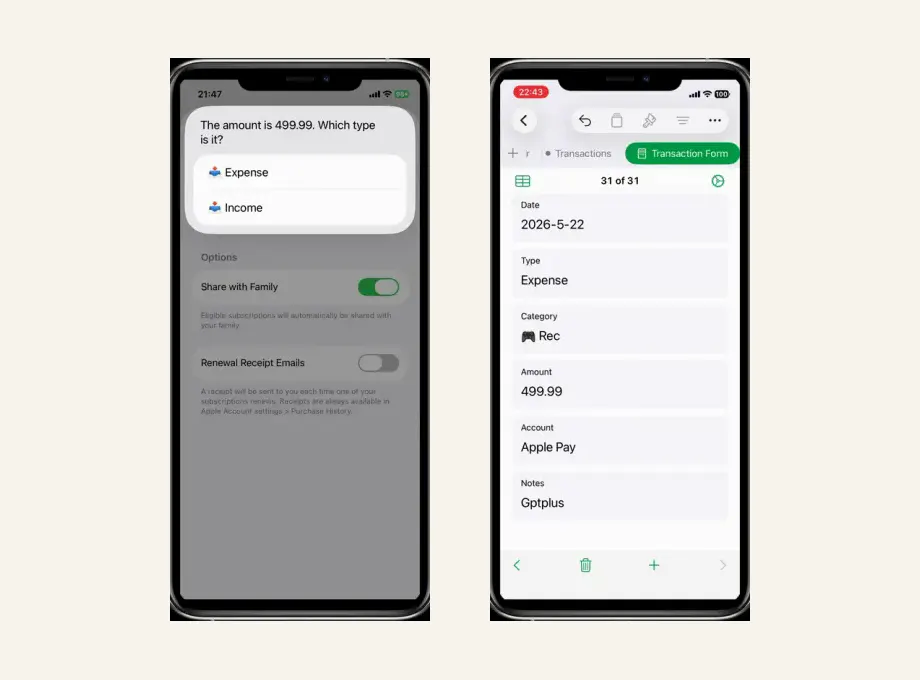
iPhone Expense Tracker Shortcut with Apple Numbers
Start here for the core OneTapLedger workflow: an iPhone expense tracker Shortcut, an Apple Numbers template, no bank login, and no subscription.
Open core guideOneTapLedger Blog
Short, useful notes on Apple Numbers, iPhone Shortcuts, no-bank-login budgeting, and building a simple expense tracking habit.
Start here
Start here for the core OneTapLedger workflow: an iPhone expense tracker Shortcut, an Apple Numbers template, no bank login, and no subscription.
Open core guideLatest writing
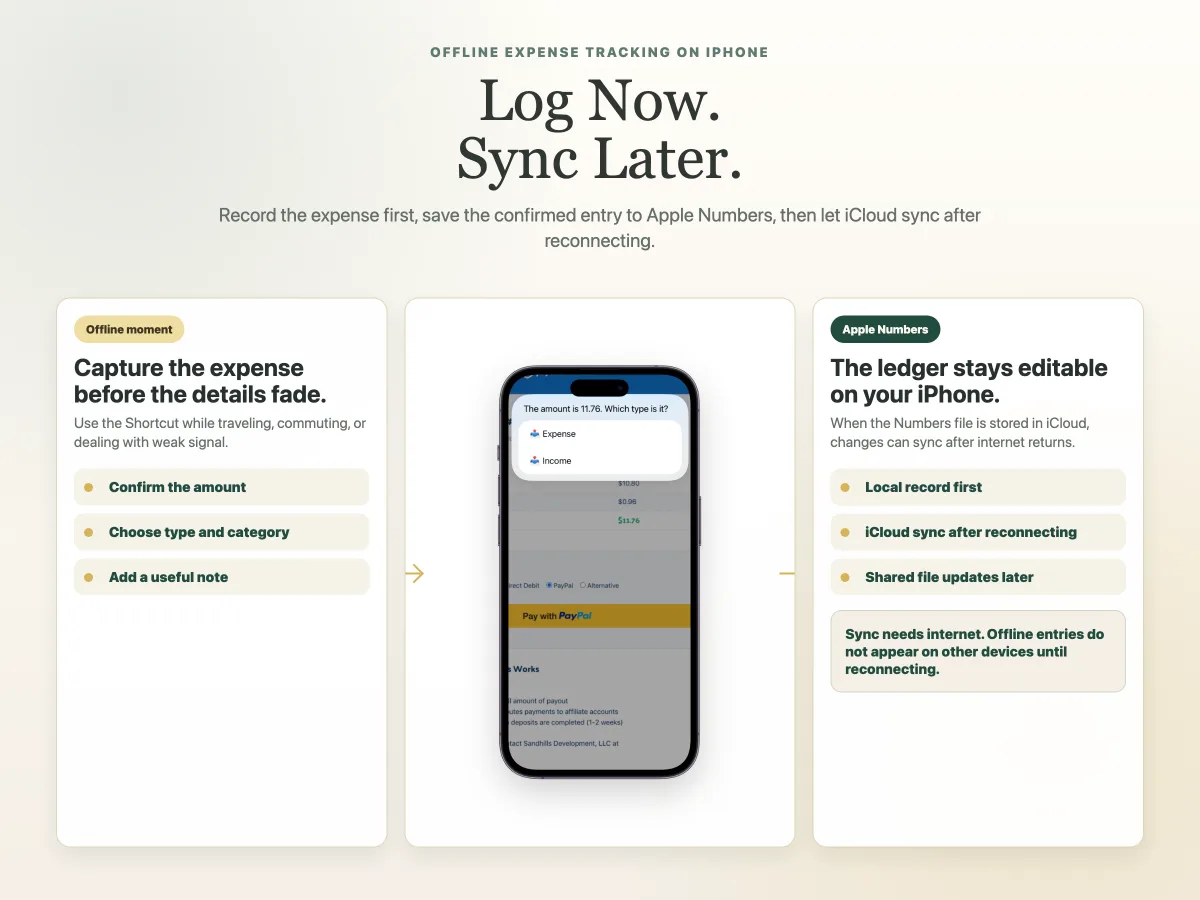
Learn how to log expenses on iPhone without a continuous internet connection, then sync Apple Numbers through iCloud after reconnecting.
Read article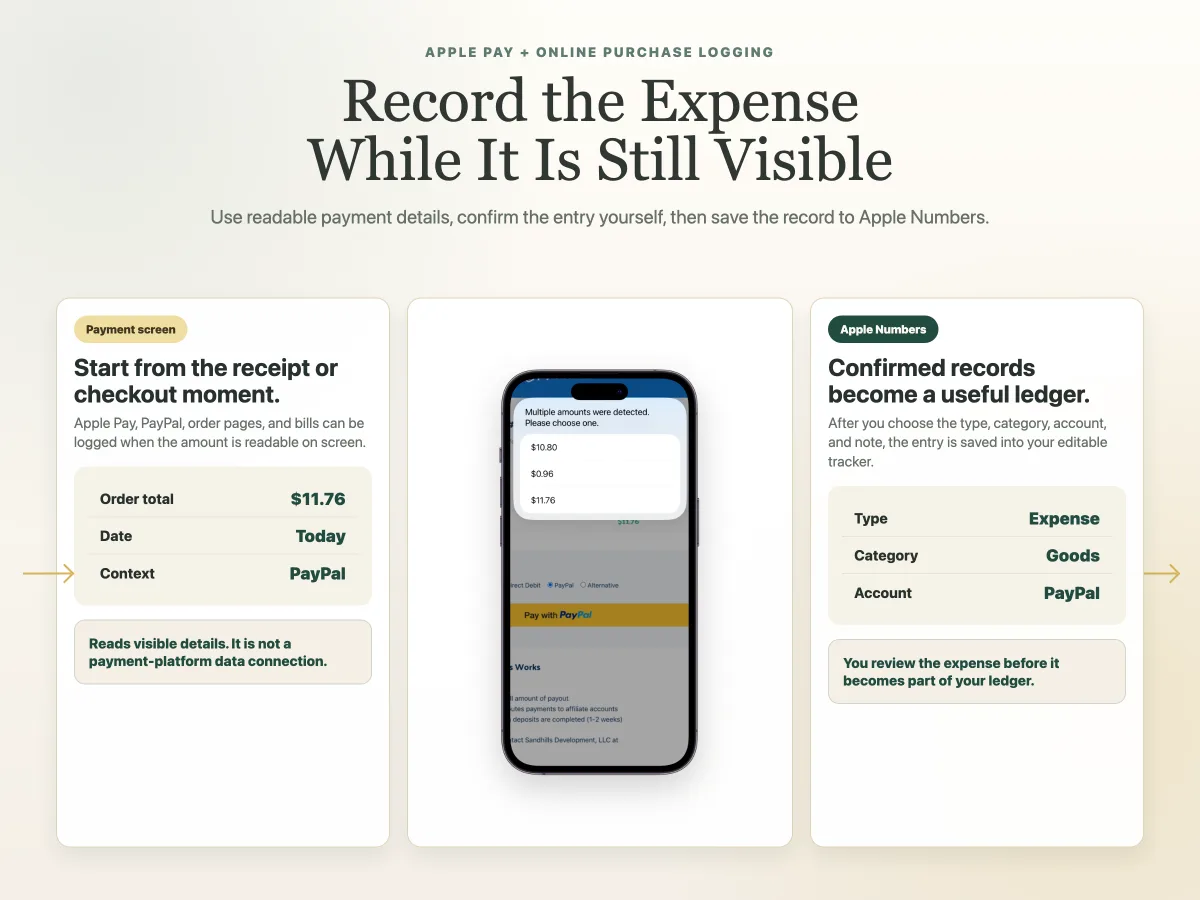
Learn how to record Apple Pay, PayPal, and online purchase expenses from readable iPhone screens, then save confirmed entries to Apple Numbers.
Read article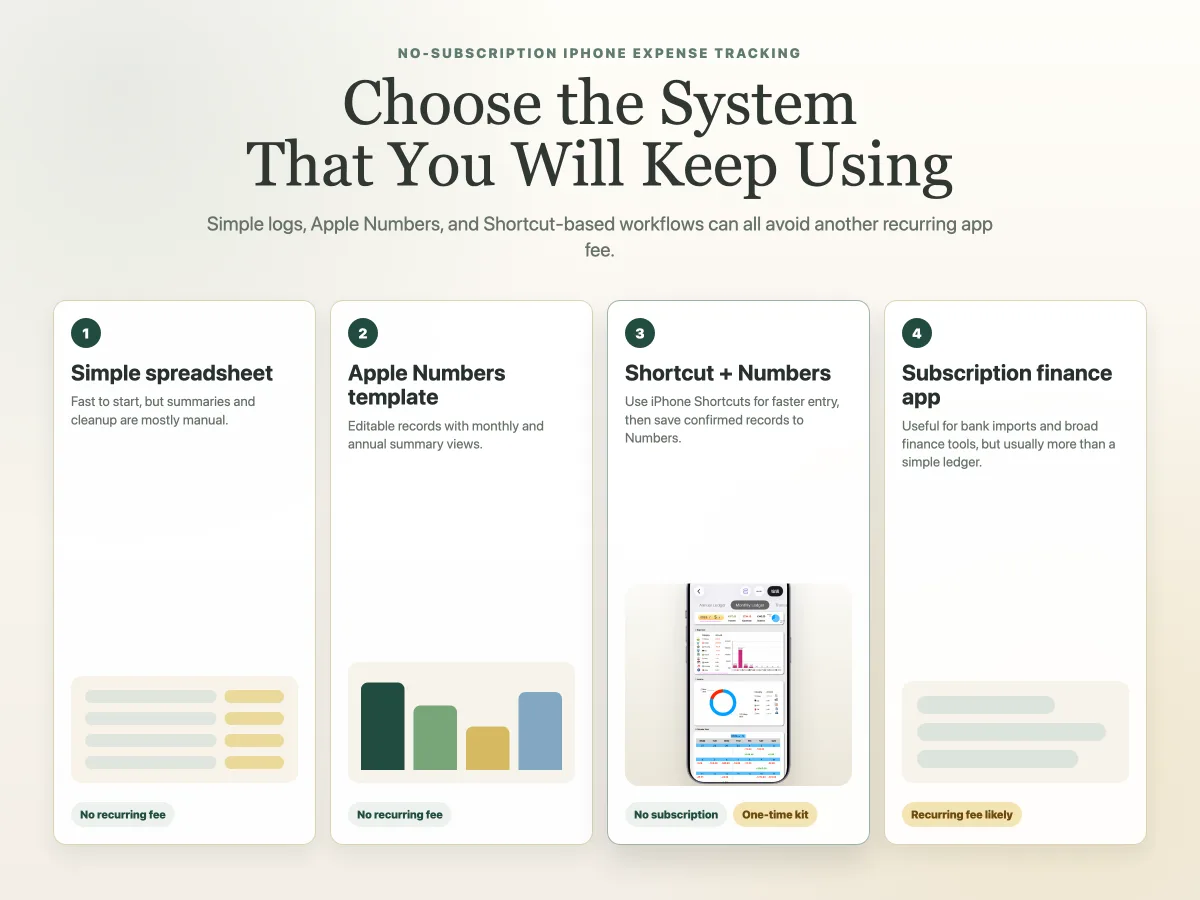
Compare spreadsheet logs, Apple Numbers templates, Shortcut workflows, and subscription apps before choosing an iPhone expense tracker.
Read article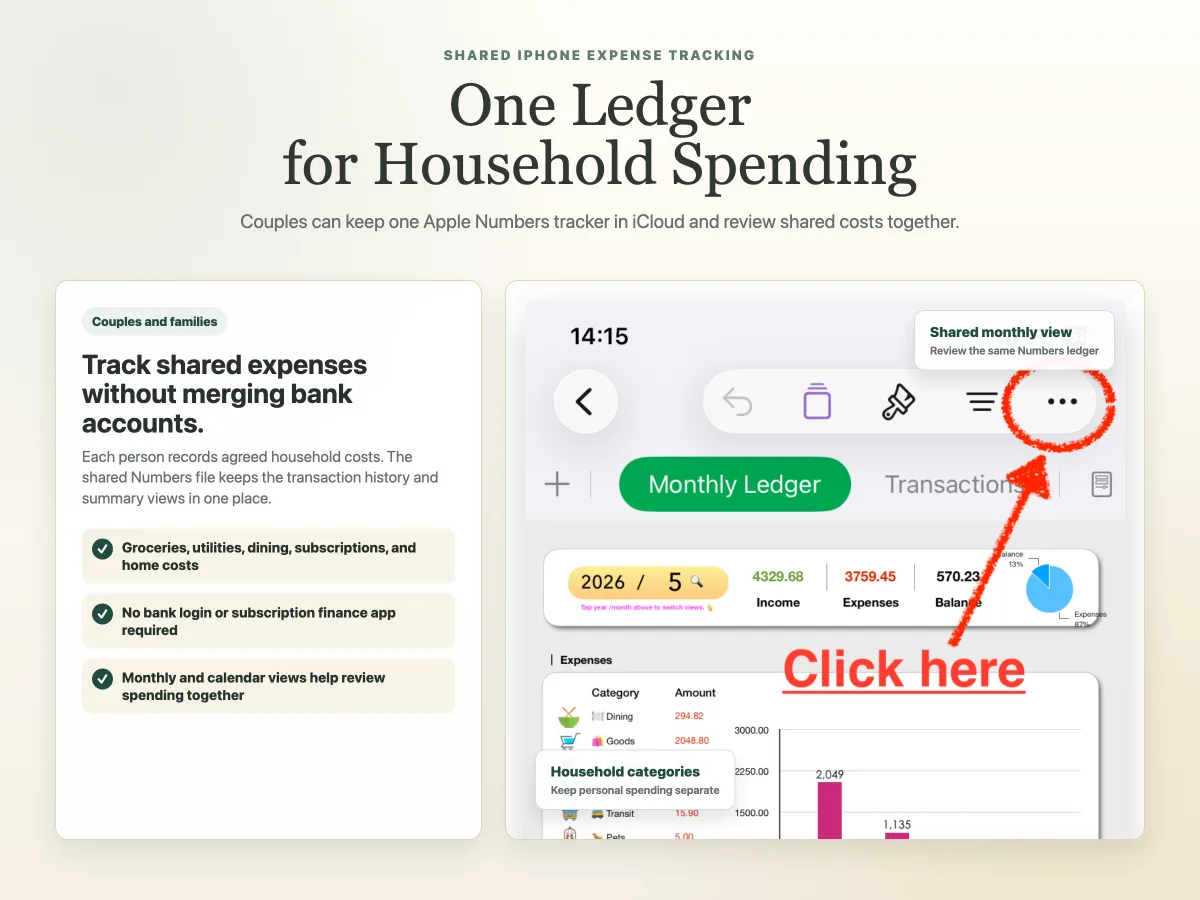
A practical shared iPhone and Apple Numbers setup for couples who want household records without bank sync or another subscription app.
Read article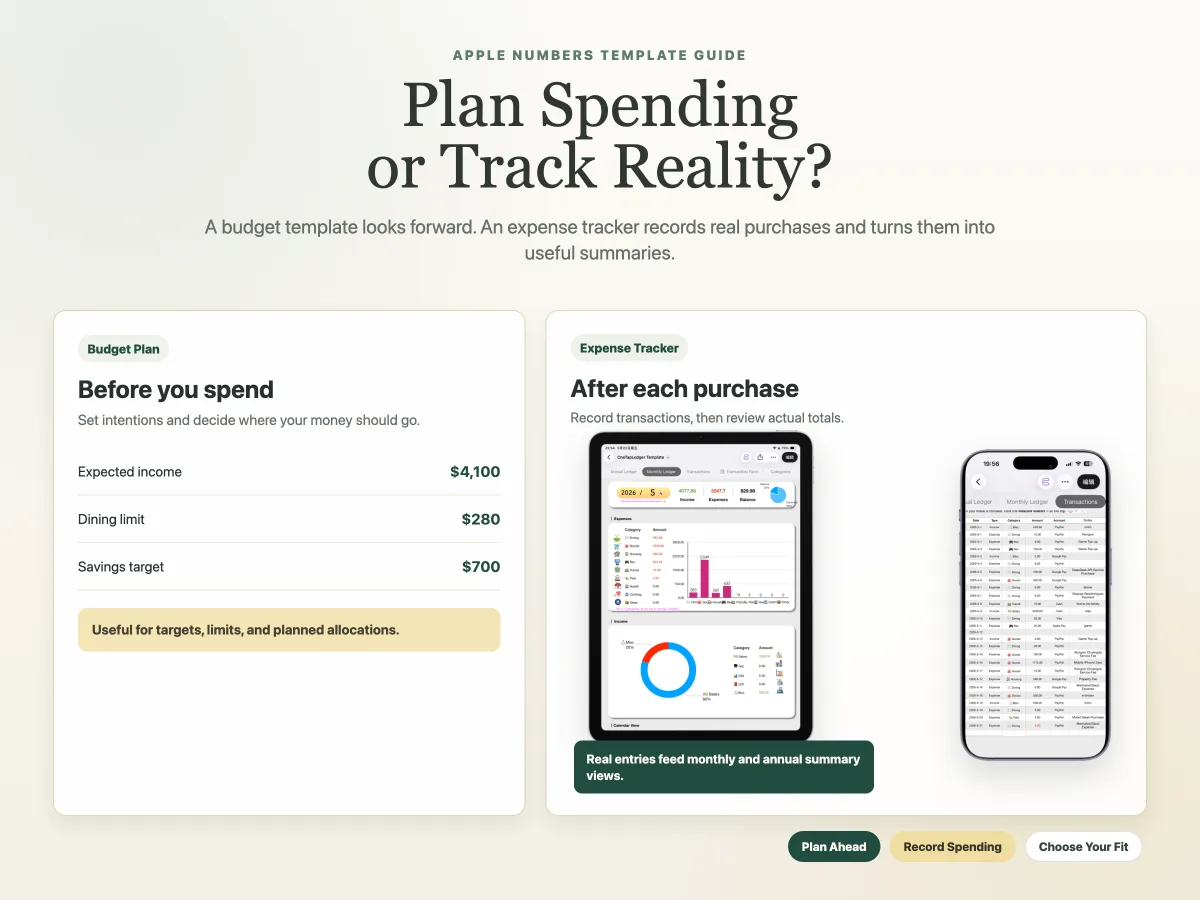
Compare planning future spending with recording actual transactions, and choose the Apple Numbers workflow that fits you.
Read article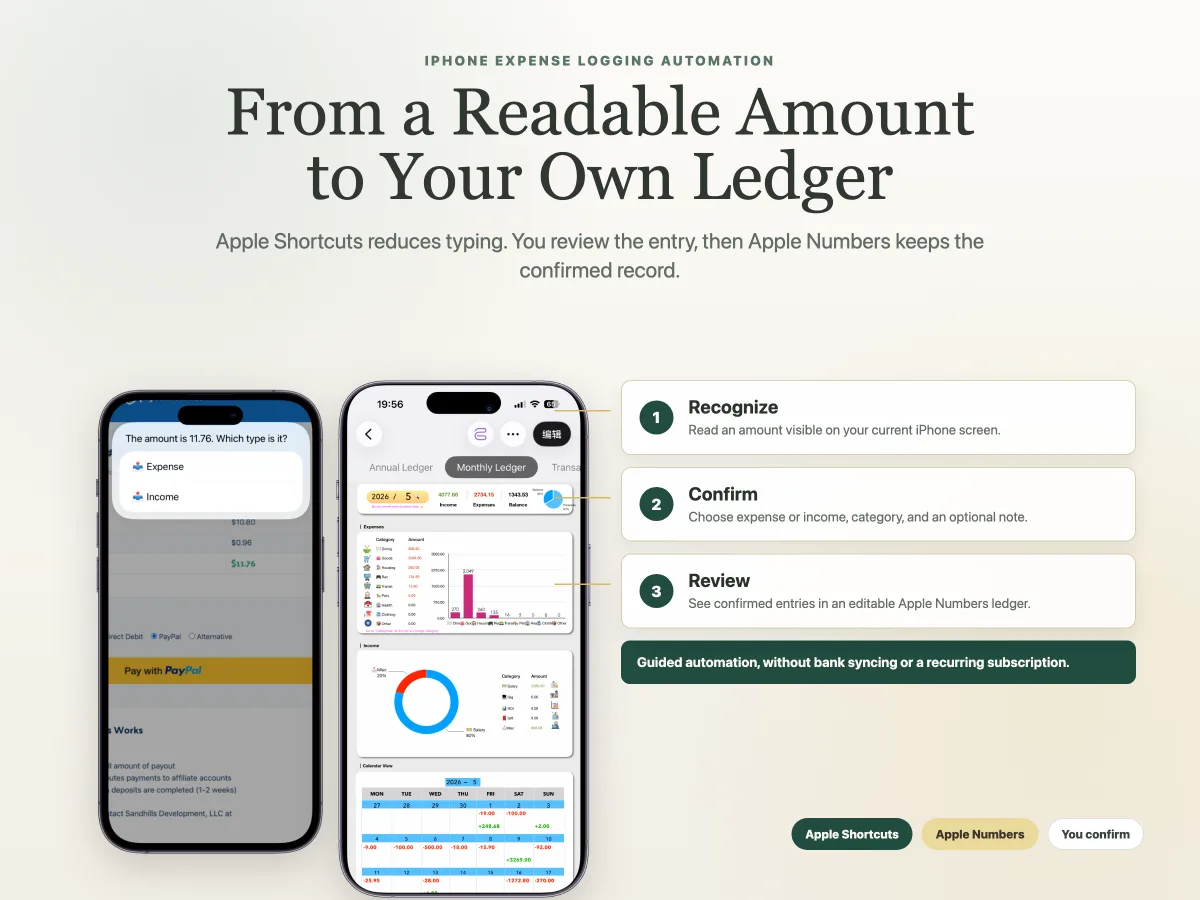
See how a Shortcut reads visible expense details, lets you confirm each entry, and saves it to an Apple Numbers ledger.
Read article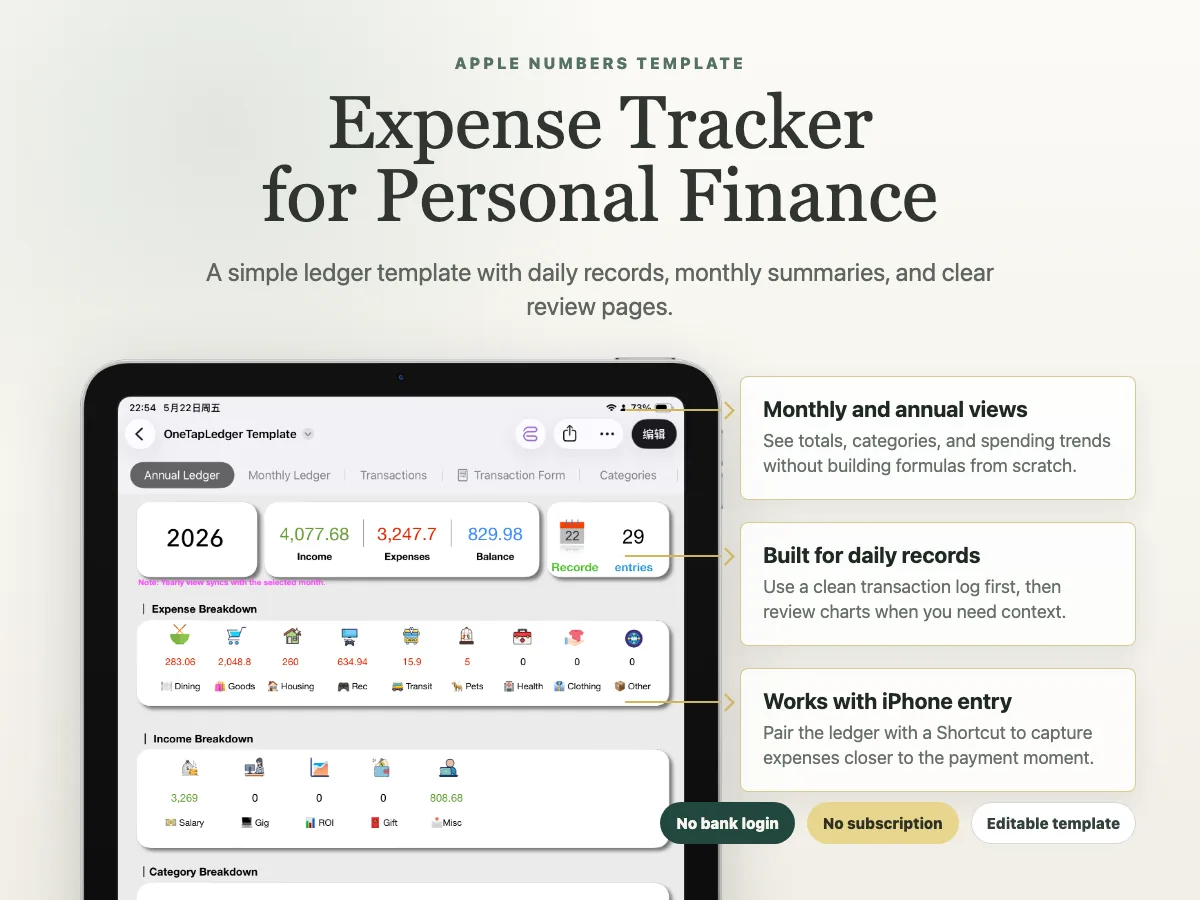
What to look for in an Apple Numbers expense template: daily records, categories, monthly summaries, and iPhone-friendly entry.
Read article
A practical setup for using Apple Numbers as a private expense ledger with categories, monthly summaries, and faster iPhone entry.
Read article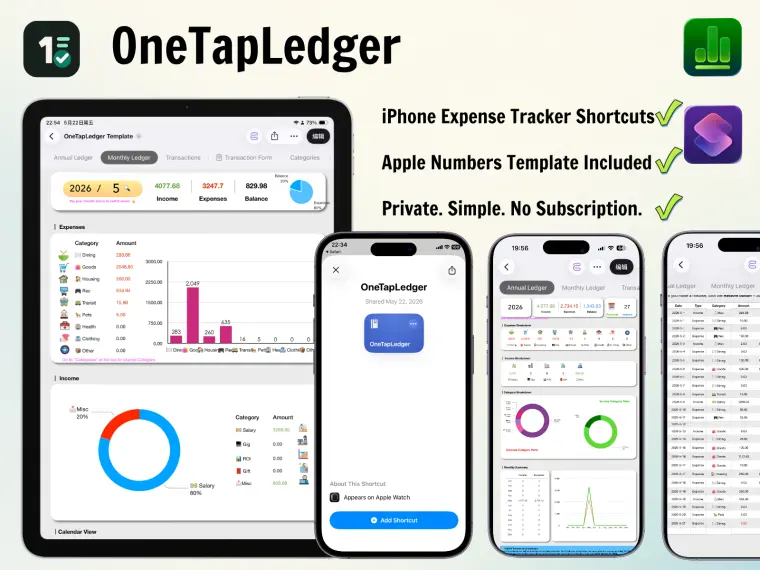
A practical no-bank-login workflow using iPhone, Apple Numbers, and Shortcuts for private expense tracking.
Read articleOneTapLedger gives you a simple no-bank-login workflow for tracking expenses on iPhone with a one-time purchase.
View launch offer